




Summary: This kids’ smartwatch lets parents stay connected without giving their child a phone. It includes GPS location sharing, two-way calling, safe zones, and an SOS button. “Can I walk home with Emma tomorrow?” Avery asked from the back seat while I was pulling into our driveway. She had paint on her sleeve from art class and her shoelace was untied. Her backpack was half-zipped. I knew the walk she meant. School to our house is six blocks in Erie. Two stop signs. One crossing guard at the bigger street. She had walked it with me enough times to know which sidewalk dips near the blue house and which corner gets icy first in November. She was 9. I said, “Let me think about it.” Which meant no. Avery knew it too. She looked out the window and pressed her finger into the fog on the glass. I could see her trying not to argue. That bothered me more than the question. Because the truth was, she probably could walk home. She knew the route, knew not to cut through the alley behind the dentist’s office. But the moment she left school property, I had no real way to know anything. Did she leave on time? Did she cross where the crossing guard was, or one street over where she sometimes did? A phone felt too early. Nothing felt too thin. The next morning, I brought it up with my husband while I was packing lunches. Avery was upstairs looking for the hoodie she had left in the car. Caleb was at the table eating cereal with a fork for reasons only he understood. Most of what came up looked like tiny phones strapped to a wrist. It uses a SIM card, so Avery can make calls and I can see where she is, right from my phone. I pick which contacts she can call. I set the safe zones: school, home, Emma’s block. The watch sends me an alert when she arrives or leaves. There is also an SOS button. One press sends her location to everyone I have listed. I hated thinking about that part. I still wanted it. What kept me on the page was the phone problem. CubbyWatch let Avery call me without a smartphone in her backpack. No browser or group chats she did not need at nine years old. I read through the page twice. Then I called my husband into the kitchen. CubbyWatch came in the mail on Thursday. I waited until after dinner to open it because Avery had already asked about it six times. If she saw the box before homework was done, the rest of the night was gone. The setup was easier than I thought. I downloaded the app and added the watch. Put in my number and my husband’s. Marked school and home as safe zones, then turned on school mode for 8:20 to 3:10 so the screen would stay off during class. I got stuck for about three minutes on the safe zone around school. I was drawing it too small. Once I made it bigger to cover the front sidewalk, the alert worked fine. That part mattered to me. I was not trying to sneak a distraction into school. I wanted a way for Avery to reach me when she was moving from one place to another. We tested the call from the hallway. She stood outside the laundry room with the watch on her wrist and called me like she was reporting from another country. “Can you hear me?” “I can hear you.” “Can I call Grandma?” “Not tonight.” That was the first argument CubbyWatch caused. We would live. Before bed, I checked the map from my phone. The little dot sat right on our house. Avery looked over my shoulder and said, “So Monday?” She did not forget. Monday at 3:10, I opened the app before I meant to. She gets there: The second Avery walks into the safe zone, my phone buzzes. I check once, see she made it and go back to what I was doing. She can reach me: If practice ends early or pickup moves, Avery calls from her wrist. I choose the contacts, so it stays with family and the few people we trust. School stays school: During class, the watch goes quiet on its own. Avery leaves it alone, and I am not getting a note from the teacher. Help is one press away: If something feels wrong, Avery holds the SOS button. Her location goes straight to the people I picked. One less thing to charge: We plug it in Sunday, then leave it alone. School, after-school pickup, the walk home. It keeps going through the week. Freedom before a phone: The smart watch gives Avery what she needs right now: a way to call home and a way for me to know she made it. By Friday, the watch had already done more than that first walk. Avery called me from the front of the school when her pickup line moved earlier than I expected. That used to be another parent texting me while I was still with a patient. On Saturday, she asked to walk to the library with a friend. Three blocks, one crossing light. Same argument in my head. I set a safe zone around the library block and said yes before I could talk myself out of it. My phone buzzed eight minutes later. She had arrived. I still checked the dot once after that. I am not pretending I became a different person in one week. But I stopped standing at the window. I am not the only parent who landed here. I know that because I posted about it afterward and the replies kept coming. Turns out a lot of families were in the same place. Not ready for a phone. Not willing to keep piecing it together through other parents. I had already spent more than the price of one CubbyWatch by the time I found it. CubbyWatch is currently offering up to 75% off for first-time buyers through the official website. If your child is already asking to go places alone and you are not ready to give them a phone, here is how to get started: See If CubbyWatch Is Still Available Click this link and get your own CubbyWatch Filtered Shower Head! As of July 15, 2026 – CubbyWatch is offering up to 75% off through the official website for first-time buyers. Popular bundles sell out during high-demand periods. Every order includes a 30-day money-back guarantee. NOTE: This product is NOT available on Amazon or eBay.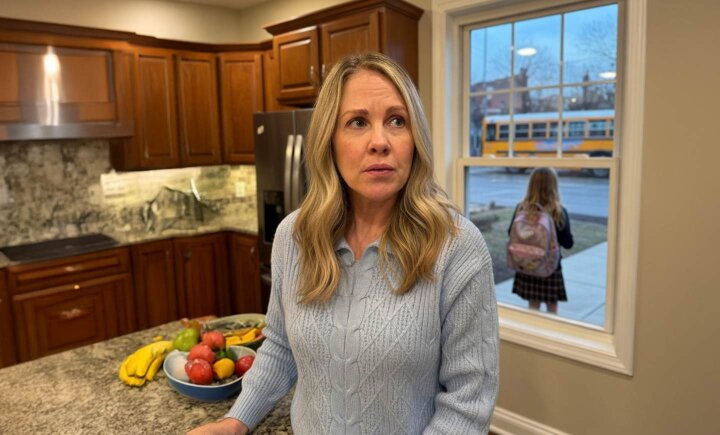
Every Patch I Tried Left The Same Gap
I said, “She asked about walking home again.”
My husband looked at me over his coffee.
“Six blocks?”
“Six blocks.”
Avery was not careless. She knew the route.
The problem was everything around the walk.
School lets out at 3:10. I don’t leave the clinic until 4 most days. If she forgot to check in from Emma’s mom’s phone, I would be guessing for almost an hour. If she stopped at the playground, I would have no idea.
I had tried patching it together.
One week, I told Avery to check in from the school office. That lasted two days before she forgot. I looked at giving her my old phone, but the second I charged it, I remembered why I had put it in the drawer. Apps and messages and a screen she would be poking at instead of paying attention.
I looked at a small tracker clipped to her backpack. That would tell me where her bag was. It would not let her call me if something changed.
That was the gap.
The check-in system did not hold. The phone was too much. The tracker was too little.
That night, after the kids were in bed, I searched for kids watches that could call home without becoming a phone.
That was the first time I found CubbyWatch.The First One Built Around The Right Problem
Games and apps. Bright screens. The kind of thing Avery would spend two days poking at and then argue about when school started.
That was not what I needed.
I needed a way to know she got where she said she was going, and I needed her able to call me without borrowing someone else’s phone. I needed the screen to stay quiet during class so a teacher would not take it.
CubbyWatch was the first one that did what I actually needed.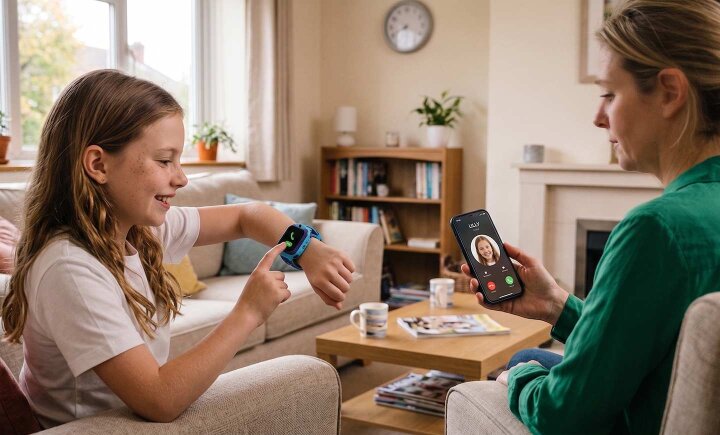
Setup Took Twenty Minutes
The First Yes
I knew school let out at 3:10. I also knew the first few minutes would be chaos out there. Backpacks and winter coats, kids yelling across the lawn.
Still, I opened it.
For a minute, nothing moved. Then Avery’s dot left the school building.
I was at my desk at the clinic with a half-finished insurance form in front of me. I watched the dot move toward the first corner, then the next. Six blocks looked a lot shorter on a map than they did from my desk.
I almost called her after the first crossing.
I did not.
The dot kept moving. Past the blue house, past the dentist’s office. Down our block.
At 3:24, my phone buzzed.
Avery had entered the home safe zone.
No text from Emma’s mom. No standing at the kitchen window pretending to wipe the same counter twice.
Just one alert.
I called the house phone anyway, because I am still me.
Avery answered on the second ring.
“Did you see me?”
“I saw you got home.”
“So can I do it tomorrow?”
I looked at the insurance form, then at the map, then at the clock.
“Yes,” I said.What CubbyWatch Does
Turns Out I Was Not The Only One
The Price Surprised Me
The old phone I charged and put back in the drawer. The backpack tracker that showed me where her bag was and nothing else. Check-in plans that fell apart by day three.
It cost less than all of that. And it was the only thing that worked.
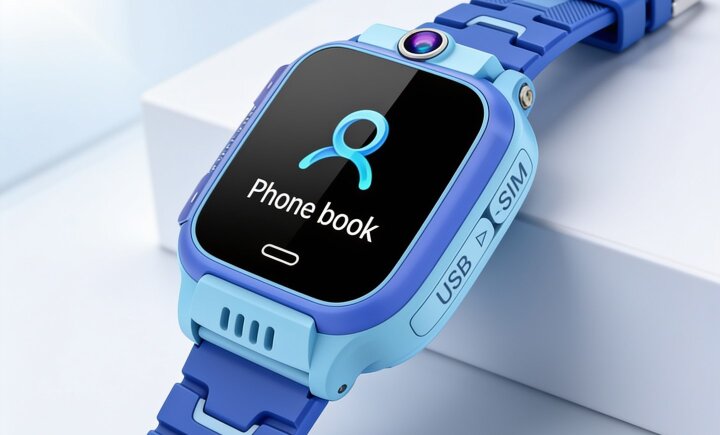
It runs on a regular SIM card and a basic phone plan. No app store subscription or new contract, no extra monthly bill I did not pick.
I needed something that let her call me and showed me where she was.
That was it.Why Is It Discounted Right Now?
I ordered when I did because Avery was already asking. Another month of patching it together through Emma’s mom and the school pickup group chat was not going to solve anything.
A single CubbyWatch is $93.99. If you have a younger sibling who will need one soon, the 2-pack drops that to about $87 per watch. That is what most families I have heard from end up doing.
The 30-day money-back guarantee made the first order easier.
I did not have to decide whether Avery was ready for a smartphone.
I only had to decide whether she was ready for six blocks.
She was.How To Get Started
1. Order CubbyWatch through the official website and choose a single watch or a bundle.
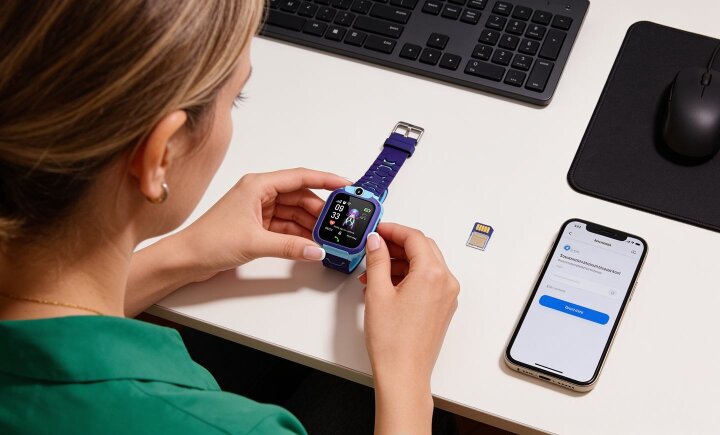
2. Set it up from the parent app when it arrives. Add approved contacts, mark safe zones, turn on school mode. It takes about twenty minutes.
3. Say yes to the first walk. Check the map once. Watch the dot move. Let the alert do the rest.




 Like
Like Comment





Customer Ratings
Average based on 9.803 reviews
 Excellent


